




















Business automation and system integrations
Business automation and system integration mean the software takes over repeated steps instead of your staff. We connect your systems to ZATCA e-invoicing, to WhatsApp and to each other through APIs, so data moves without manual entry. We build the automation on what you have, without replacing your system.
What the service covers
Topics
- WhatsApp business automation
- API integration between systems
- Workflow automation
- Bulk messaging system
- Reduce manual work
Work that proves this service
Junada WhatsApp Suite
WhatsApp management and broadcast automation
We built WhatsApp broadcast and template automation for an e-commerce operator on the Meta Cloud API, with a queue that respects per-customer limits.
Read the case studyStack
- Node.js
- Fastify
- BullMQ
- Redis
- MongoDB
- Meta Cloud API
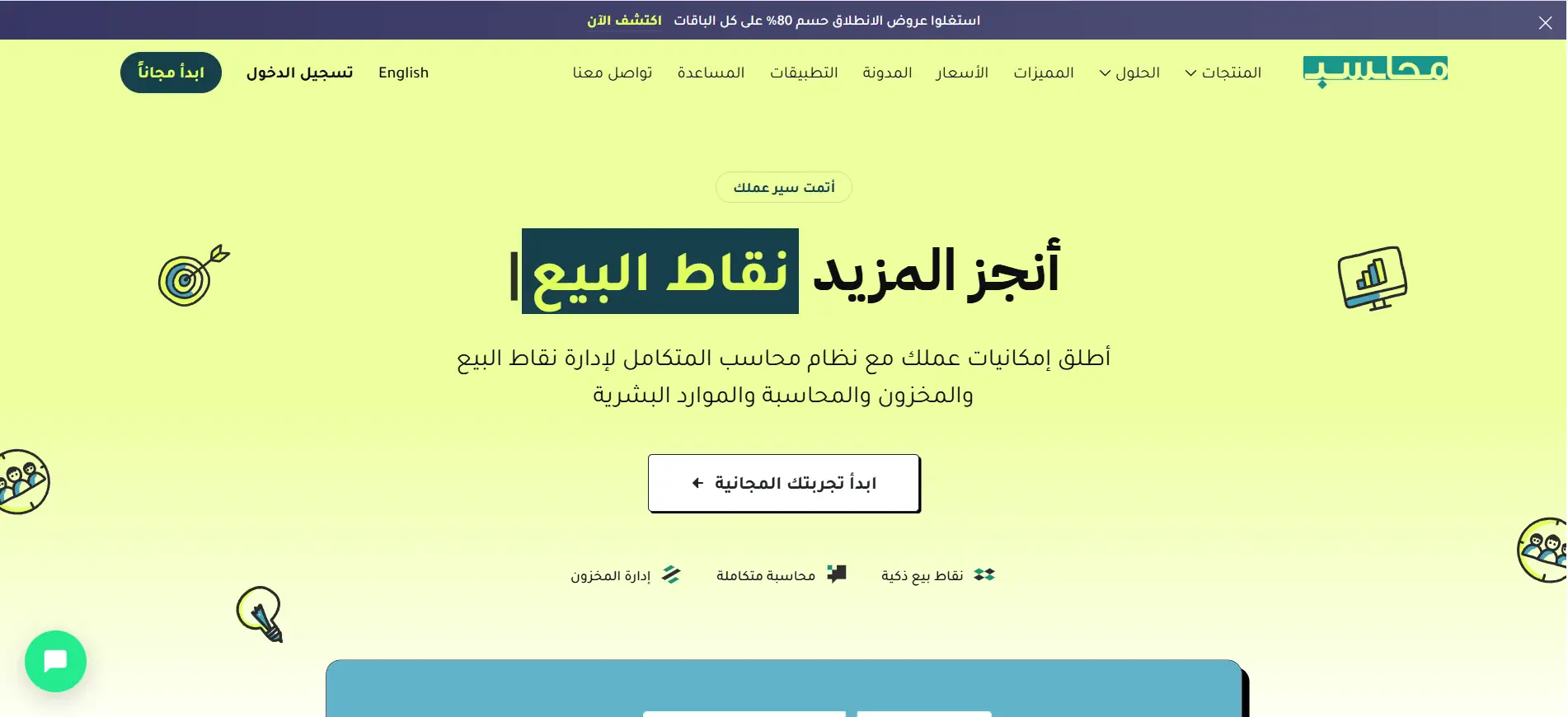
Mohaseb
Multi-tenant ERP
Our cloud accounting and point-of-sale software for multiple companies: it works offline, serves more than 500 businesses and runs in Arabic and English.
Read the case studyStack
- Laravel
- Flutter
- MySQL
- Redis
- WebSockets
- Offline-first sync
Common questions: Automation & integrations
Has the company actually delivered WhatsApp automation?
Yes. We built the Junada suite for an e-commerce operator: WhatsApp broadcast and template automation on the Meta Cloud API, with a queue that respects per-customer limits and a panel for templates and delivery status.
Do your systems support ZATCA e-invoicing?
Yes. The tax engine in our accounting systems handles inclusive and exclusive prices and is ZATCA-ready, and we connect it to your systems when your business needs it.
What is business automation and what can be automated?
It means the software performs repeated steps instead of an employee: issuing invoices, sending messages, moving data between systems.
How do I connect two systems?
Through an API that lets one system read from and write to the other, so data moves without manual entry.
Can WhatsApp messages to customers be automated?
Yes. WhatsApp can be connected to your system to send messages and notifications to customers automatically.
When is automation worth it?
When the same step repeats every day and doing it by hand costs time or causes mistakes.
Does automation require replacing my current system?
Not usually. We connect what you have to what you need and keep your system as it is.
A small process that respects both of our time.
No long pitch decks. Five steps, in this order.
01
Discovery call
We learn what you need and decide together whether this is a fit.
02
Written proposal
We write the scope, milestones and assumptions plainly, for you to read on your own time, not over a call.
03
Kickoff
We agree the contract and repository access, and start with a kickoff call.
04
Build and review
We build in stages, and you review what is done on a real staging environment and send us your notes.
05
Handover and support
Code, docs and runbooks. Your next engineer can take over.
Other services
- Read more
ERP & accounting
Accounting, inventory and sales for many companies in one system.
- Read more
Point of sale
A cashier that works offline and syncs when the connection returns.
- Read more
Mobile apps
Android and iOS apps with a native feel.
- Read more
Websites, stores & hospitality
Websites and systems for stores and hospitality: orders, bookings and stock, tied to accounting from the first invoice.
- Read more
Audit & rescue
Reviewing existing systems and rescuing stalled projects.
Have a project of this kind?
Start your project